







 Multi-language
 1 PC
1 PC Windows Lifetime


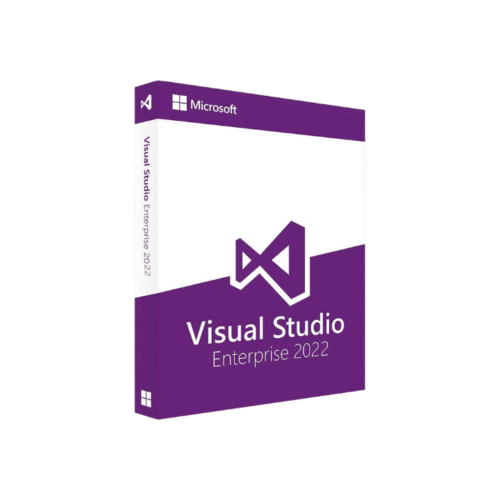
Visual Studio Pro 2022 – Complete IDE for Professional Developers
Build, Debug, and Deploy with Confidence Using Visual Studio Professional 2022
Visual Studio Pro 2022 is Microsoft’s flagship integrated development environment (IDE) tailored for software engineers, developers, and IT professionals building modern, scalable, and high-performance applications. Whether you’re working on desktop software, web platforms, cloud-based solutions, mobile apps, or enterprise systems, Visual Studio Professional 2022 provides the tools and services necessary to code, test, and deploy efficiently.
As the most powerful and flexible version yet, Visual Studio Professional 2022 supports the full stack of .NET, C#, C++, Python, JavaScript, TypeScript, and many other languages with rich IntelliSense, debugging, and collaboration features. It delivers a high-productivity environment that meets the needs of both individual developers and team-based workflows.
At GraphicLicense, we provide official Visual Studio Pro 2022 licenses with immediate delivery, activation guidance, and support for installation on authorized machines.
What Is Visual Studio Professional 2022?
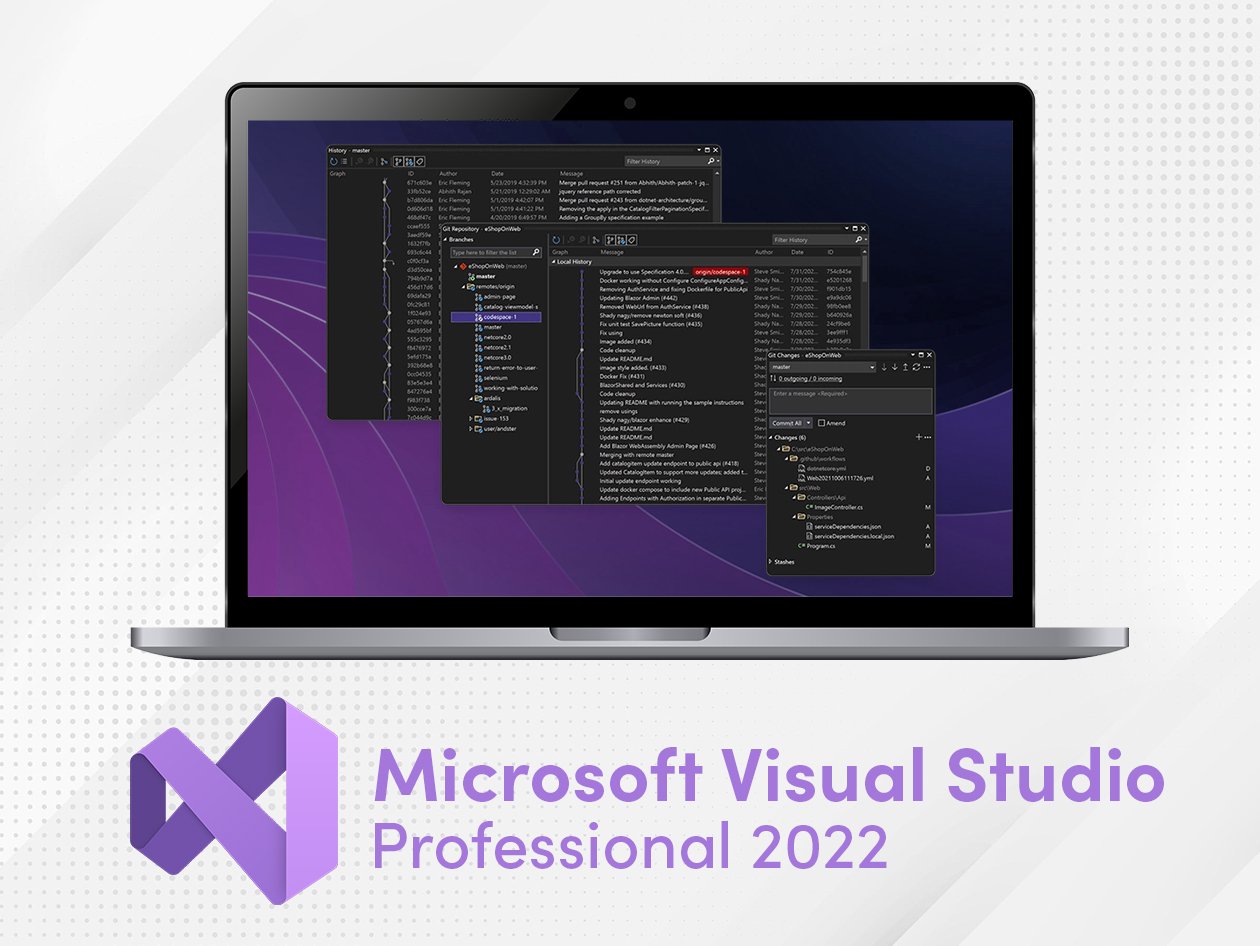
Visual Studio Professional 2022 is a comprehensive development suite that enables developers to build applications for Windows, Android, iOS, macOS, and the web. It includes a wide array of development tools, built-in Git version control, Azure deployment options, code profiling tools, and a powerful debugger—all in one unified environment.
It is designed to scale with project size and complexity, supporting small teams and large-scale enterprise solutions alike. Unlike the Community edition, which is free for limited non-commercial use, the Professional edition includes enhanced collaboration, code review tools, and licensing for commercial development.
Visual Studio 2022 is the first 64-bit version of the IDE, allowing it to handle larger projects and improved performance during compile, debug, and runtime analysis.
Key Features of Visual Studio Pro 2022
1. 64-Bit Architecture
Visual Studio 2022 runs as a fully native 64-bit application, allowing it to use more memory and CPU power. This significantly enhances performance for large codebases and complex solutions.
2. Advanced IntelliSense
Enjoy intelligent code completions, parameter suggestions, method previews, and contextual recommendations. IntelliCode now offers AI-assisted development trained on thousands of open-source projects.
3. Powerful Debugging Tools
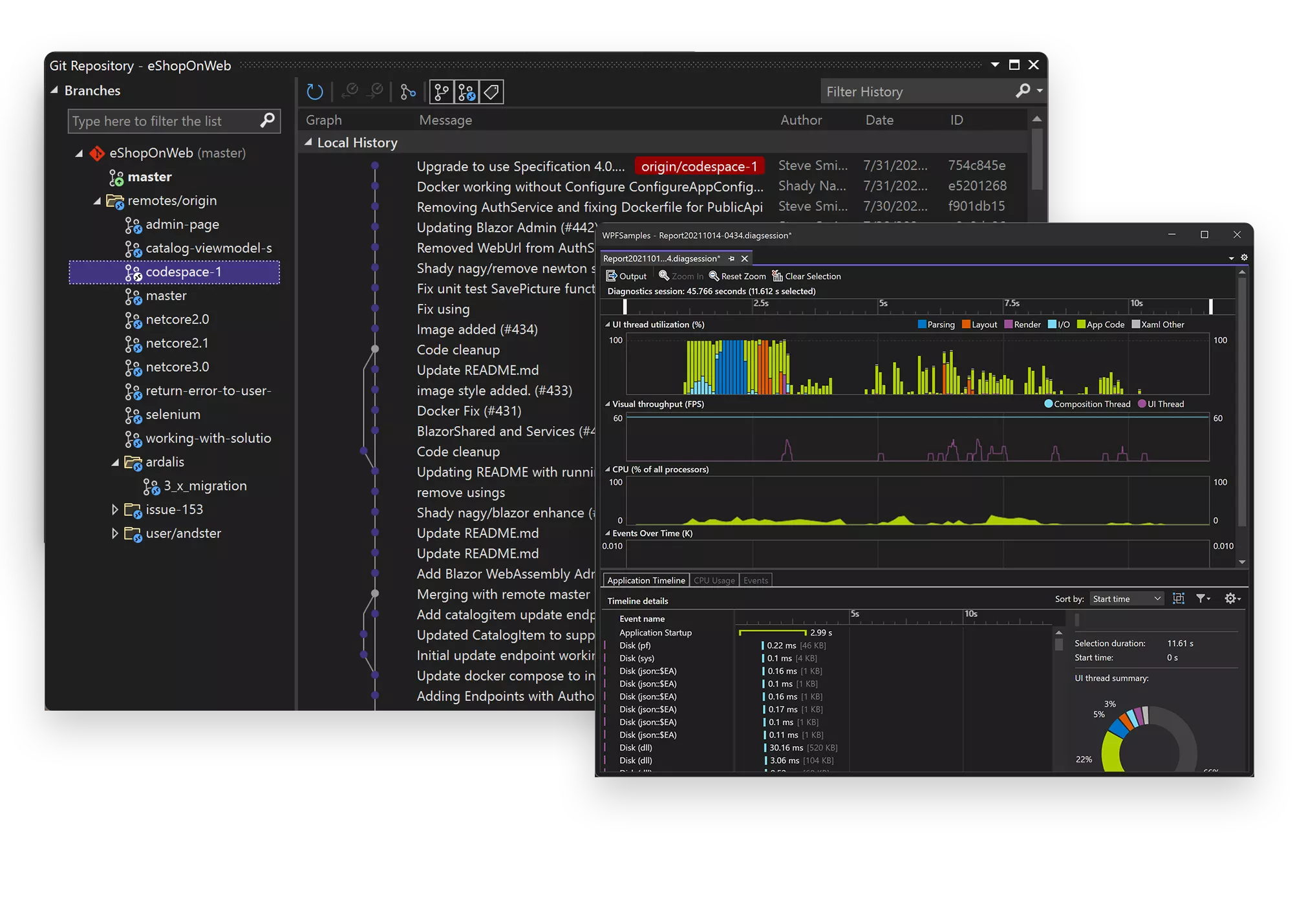
Visual Studio 2022 offers an enhanced debugger with live preview, snapshot debugging, time travel debugging, data breakpoints, and remote debugging support.
4. .NET 7 & .NET MAUI Support
Develop cross-platform apps using the latest .NET 7 framework, including support for .NET MAUI (Multi-platform App UI) to build apps for Android, iOS, macOS, and Windows from a single codebase.
5. Integrated Git and GitHub Tools
Clone repositories, manage branches, resolve merge conflicts, and push commits without leaving the IDE. Visual Studio integrates tightly with GitHub for PR management and version tracking.
6. Collaboration via Live Share
Work with teammates in real time on the same codebase. Live Share enables pair programming, debugging, and collaborative reviews without third-party tools.
7. Built-in Testing and Code Analysis
Create unit tests, run code coverage reports, and enforce coding standards using built-in analyzers. Visual Studio also supports test-driven development out of the box.
8. Azure Integration
Deploy directly to Azure App Services, Functions, Kubernetes, and more. Configure pipelines and manage cloud resources within the IDE using Azure DevOps extensions.
9. Flexible Language Support
Supports C#, C++, Visual Basic, F#, Python, JavaScript, TypeScript, HTML/CSS, SQL, XAML, Razor, and more. Extend functionality with thousands of free and paid extensions from the Visual Studio Marketplace.
What’s New in Visual Studio Professional 2022?
Visual Studio 2022 is a significant upgrade over its predecessors. Notable enhancements include:
-
Native 64-bit IDE with better memory usage
-
Faster solution loading and project builds
-
Improved UI with updated icons and accessibility
-
Revamped search experience
-
Enhanced Razor editor for Blazor and ASP.NET Core
-
Better XAML designer for WPF/UWP apps
-
Performance improvements in debugging and hot reload
-
C++20 and C++23 support with toolset updates
-
Integrated support for modern web dev using React, Angular, and Vue.js
These updates make Visual Studio 2022 the most responsive and capable development platform in Microsoft’s history.
Who Should Use Visual Studio Pro 2022?
Visual Studio Professional 2022 is built for:
-
Full-stack developers working across front-end and back-end systems
-
Software engineers managing enterprise application lifecycles
-
DevOps teams integrating code with CI/CD pipelines
-
Cross-platform mobile developers using Xamarin and .NET MAUI
-
Desktop app developers creating Windows Forms, WPF, or WinUI apps
-
Web developers building ASP.NET Core, Blazor, JavaScript, and REST APIs
-
Game developers working with Unity, Unreal Engine, or C++ frameworks
-
Cloud architects deploying to Azure environments
-
Agile teams using Azure DevOps or GitHub workflows
If you need a robust, extensible, and collaborative development platform, Visual Studio Pro 2022 provides the ideal toolset.
System Requirements
To run Visual Studio Pro 2022, your system should meet the following minimum specifications:
Operating System:
-
Windows 10 version 1909 or later
-
Windows 11
-
Windows Server 2016 or newer
Hardware:
-
Processor: 1.8 GHz or faster (quad-core or better recommended)
-
Memory: 4 GB RAM minimum (8 GB or more recommended)
-
Disk Space: At least 20 GB of available space
-
Graphics: DirectX 11-capable GPU recommended for design tools
-
Display: 1366×768 minimum resolution
Internet access is required for initial download, activation, and online services.
Licensing Options
Visual Studio Pro 2022 is available via:
1. Perpetual License
-
One-time purchase for lifetime use on a single device
-
Ideal for freelance developers or independent software vendors (ISVs)
2. Volume Licensing
-
For businesses needing multiple seats
-
Includes centralized license management and enterprise support
3. Subscription with Benefits
-
Optional Microsoft subscription plans include Azure credits, DevOps tools, and training resources
-
Also includes Visual Studio CodeSpaces and cloud-hosted environments
At GraphicLicense, we offer standalone licenses with digital delivery and no recurring payments.
How to Download and Activate
-
Complete your purchase through GraphicLicense
-
Receive your license key and official download link via email
-
Download and install Visual Studio Pro 2022
-
Launch the installer, select workloads (e.g., .NET desktop dev, ASP.NET, Python, C++)
-
Enter your activation key to unlock the full version
-
Begin developing with full access to all Pro features
We provide step-by-step guidance and email support to ensure a smooth installation experience.
Visual Studio Pro 2022 vs. Community and Enterprise Editions
| Feature | Community Edition | Professional Edition | Enterprise Edition |
|---|---|---|---|
| Free for commercial use | ✘ No | ✔ Yes | ✔ Yes |
| Collaboration tools (Live Share) | ✔ Limited | ✔ Full | ✔ Full |
| Azure DevOps integration | ✔ Yes | ✔ Enhanced | ✔ Advanced |
| Testing and diagnostics tools | ✔ Basic | ✔ Standard | ✔ Premium |
| CodeLens and CodeMap | ✘ No | ✔ Yes | ✔ Advanced |
| Licensing | Free (limited use) | Paid | Paid |
| Ideal For | Students, hobbyists | Professionals, small teams | Enterprises, large teams |
Visual Studio Pro 2022 strikes the right balance between functionality, scalability, and affordability for serious developers and development teams.
Why Buy from GraphicLicense?
-
100% genuine Microsoft license
-
Instant digital delivery via email
-
Secure checkout with no hidden fees
-
Installation and activation support
-
Volume discounts available
-
Ideal for commercial, freelance, or enterprise development
We work with developers, teams, and organizations to ensure licensed access to the tools they need to code and deploy with confidence.
Conclusion
Visual Studio Pro 2022 is a high-performance, fully-featured IDE that meets the demands of modern software development. With its advanced debugging, intelligent coding tools, integrated version control, and cloud-ready deployment capabilities, it’s the definitive solution for building secure, maintainable, and scalable applications.
Whether you’re building desktop software, mobile apps, enterprise tools, or modern web services, Visual Studio Professional 2022 equips you with the environment and tools to turn code into impact.
Get your Visual Studio Pro 2022 license today from GraphicLicense and take full control of your software development workflow.
There are no reviews yet.