







 Multi-language
 1 PC
1 PC Windows
 macOS
macOS Lifetime License


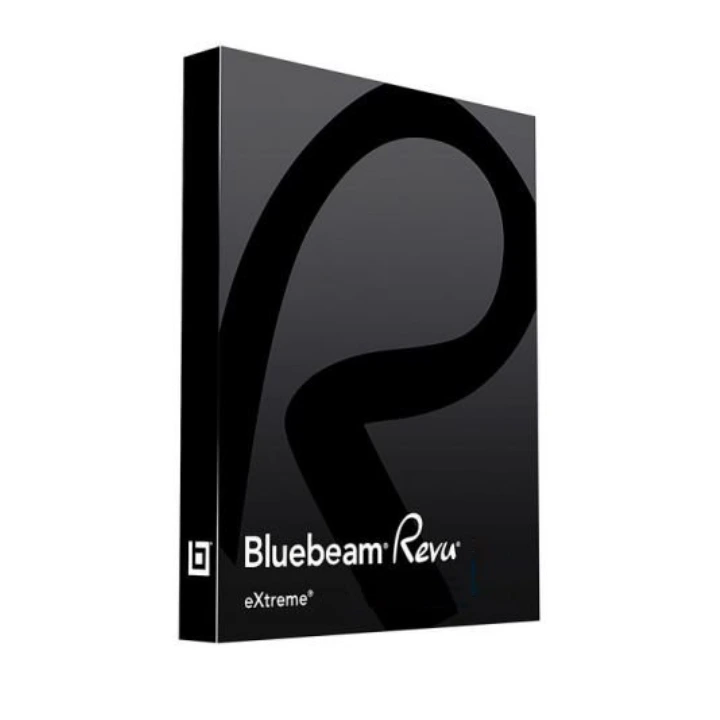
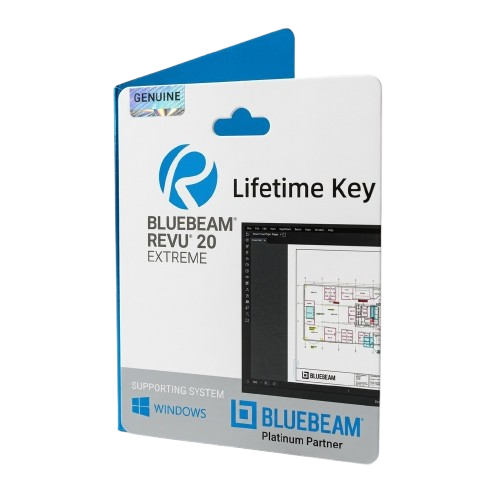
Bluebeam Revu 20 Perpetual License – Trusted PDF Software for Design and Construction Professionals
Get Long-Term Value with a Bluebeam Revu 20 Perpetual License
If you’re looking for a powerful, industry-standard PDF solution built for architecture, engineering, and construction workflows, the Bluebeam Revu 20 perpetual license remains one of the most reliable choices available. With robust markup tools, collaboration features, and document management capabilities, Revu 20 helps teams streamline communication, increase productivity, and maintain accuracy across project lifecycles.
Unlike newer subscription-only models, the Bluebeam Revu 20 perpetual license offers long-term ownership of your software with no recurring fees. This makes it an ideal solution for businesses and professionals who prefer to buy once and maintain local control without ongoing payments. Whether you’re creating submittals, reviewing plans, or managing project files, Revu 20 delivers dependable performance and feature-rich functionality in a secure desktop environment.
At GraphicLicense, we provide official Bluebeam Revu 20 licenses with fast digital delivery and expert guidance. Choose your edition—Standard, CAD, or eXtreme—and invest in long-term value with perpetual licensing.
What Is Bluebeam Revu 20?
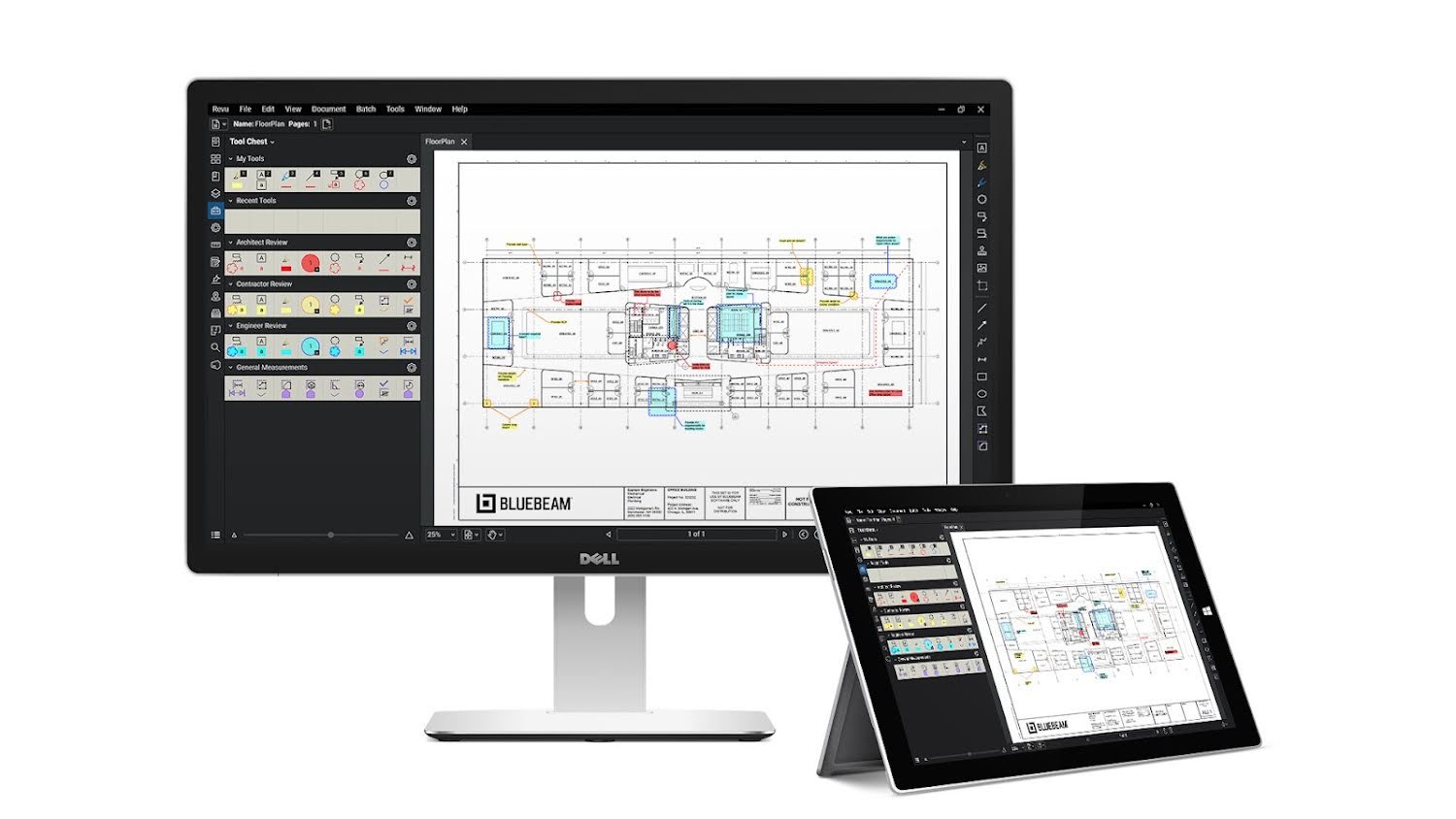
Bluebeam Revu 20 is a PDF creation, editing, markup, and collaboration software specifically designed for the AEC industry. It allows teams to work with construction documents more efficiently—whether it’s reviewing drawings, tracking changes, comparing versions, or communicating across stakeholders.
With Revu 20, users can create accurate markups, collaborate in real-time with Bluebeam Studio, and standardize document workflows across teams and projects. Available in three editions—Standard, CAD, and eXtreme—Bluebeam Revu 20 scales to meet the needs of individuals and large enterprises.
Importantly, the Bluebeam Revu 20 perpetual license means you own your software permanently. While newer versions like Revu 21 are subscription-only, Revu 20 remains a popular option for professionals who want a one-time purchase and full desktop control.
Bluebeam Revu 20 Perpetual License – Editions and Pricing
Revu 20 is available in three feature-tiered editions, each with a perpetual license model:
| Edition | Key Features | Ideal For |
|---|---|---|
| Standard | Core PDF editing and markup tools, Studio collaboration | General contractors, engineers |
| CAD | Includes all Standard features + plugins for AutoCAD, Revit | Architects, CAD users |
| eXtreme | Includes CAD + OCR, batch processing, form creation, scripting | Power users, large-scale teams |
Note: Pricing varies by edition and region. For an accurate quote on your Bluebeam Revu 20 perpetual license, contact GraphicLicense directly for the most up-to-date rates and multi-seat discounts.
Key Features of Bluebeam Revu 20
Industry-Leading Markup Tools
Add notes, highlights, stamps, callouts, measurements, and text directly to PDFs. Customize markup appearances and use layers, toolsets, and statuses for organized workflows.
Studio Projects & Sessions
Collaborate with teams in real time through Bluebeam Studio, included in all editions. Share project files, track markup activity, and coordinate reviews—even remotely.
Document Comparison
Use advanced document comparison to identify changes between drawing versions. Automatically highlight differences and generate reports to track revisions.
PDF Editing and Assembly
Insert, delete, rotate, and reorder pages. Merge files, add bookmarks, headers, and footers, or edit content directly in the PDF using intuitive tools.
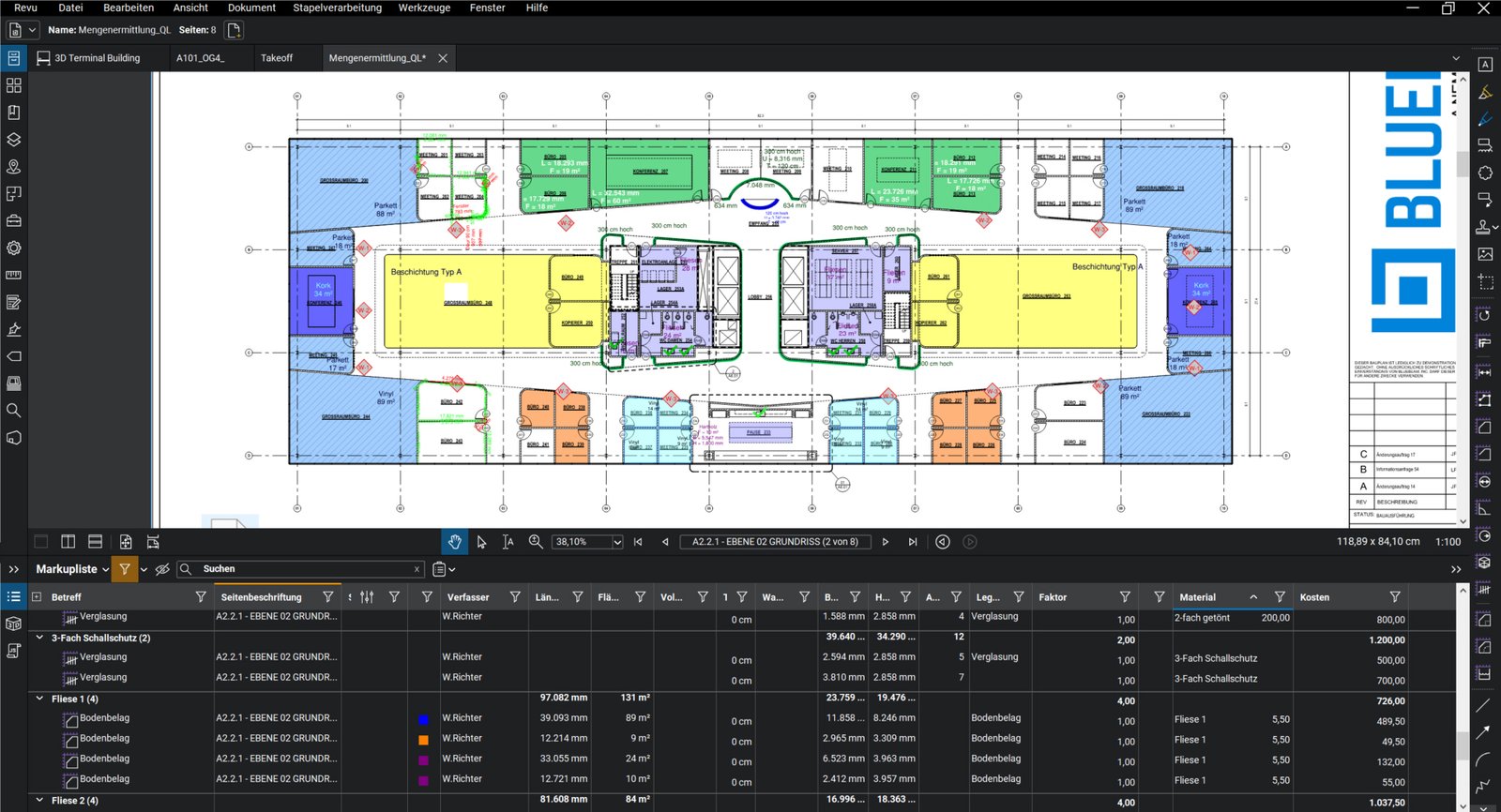
Measurement Tools
Calibrate scales and apply precise measurements for length, area, volume, and more. Ideal for quantity takeoffs, cost estimating, and bid preparation.
CAD and BIM Integration (CAD & eXtreme)
Revu 20 CAD and eXtreme editions include plugins for AutoCAD, Revit, Navisworks, and SolidWorks. Create PDFs directly from design files with precision and layer control.
Advanced Automation (eXtreme)
Automate complex tasks like batch PDF creation, OCR text recognition, batch linking, and form creation. Revu eXtreme also supports JavaScript and custom scripting for advanced users.
Benefits of a Perpetual License
Choosing a Bluebeam Revu 20 perpetual license offers several long-term benefits:
-
One-time purchase: No monthly or annual subscription fees
-
Local installation: Full control over updates and IT environment
-
No internet dependency: Ideal for secure or offline workstations
-
Cost stability: Avoid rising costs tied to recurring billing
-
Unlimited access: Use your software as long as your system supports it
This is especially valuable for companies with strict IT compliance, secure facilities, or those seeking to reduce recurring software costs.
System Requirements
To run Bluebeam Revu 20 smoothly, ensure your system meets or exceeds these specs:
Operating System
Windows 10 or 11 (64-bit)
Processor
1 GHz or faster processor (multi-core recommended)
RAM
4 GB minimum (8 GB or more recommended)
Hard Disk Space
5 GB free space
Display Resolution
1024 x 768 minimum (1920 x 1080 recommended)
.NET Framework
Version 4.7.2 or later (installed automatically if needed)
Revu 20 is not available for macOS, but can be run on a Mac using Parallels or Boot Camp with a licensed copy of Windows.
Licensing Details
When you purchase a Bluebeam Revu 20 perpetual license, you receive:
-
A permanent license for your chosen edition (eXtreme)
-
One seat per license
-
Product key and serial number via secure email
-
Installation file and activation instructions
The license is assigned to a named user and can be transferred later if needed. Multi-seat licenses and volume pricing are available for businesses and teams.
Why Buy Bluebeam Revu 20 Now?
Although Bluebeam has moved to subscription-only licensing with Revu 21, many professionals still prefer the Bluebeam Revu 20 perpetual license for its stability, one-time cost, and full offline access. Here’s why it’s still in high demand:
-
No subscription fees
-
Local control of software and data
-
Reliable performance in secure environments
-
Compatibility with existing project workflows
-
Long-term support for legacy systems
Once Revu 20 licenses are sold out from authorized resellers, perpetual licensing will no longer be available—making now the ideal time to purchase.
How to Buy Bluebeam Revu 20 Perpetual License
-
Choose your preferred edition: eXtreme
-
Visit GraphicLicense and request a quote or add to cart
-
Complete secure checkout
-
Receive your license key, serial number, and download link by email/WhatsApp
-
Install and activate Revu 20 on your device
-
Start using powerful PDF tools designed for the AEC industry
Need help choosing the right edition? Our team can guide you based on your software environment and project requirements.
Why Buy from GraphicLicense?
At GraphicLicense, we provide:
-
Genuine Bluebeam Revu 20 perpetual licenses
-
Fast email delivery with full activation instructions
-
Expert guidance on edition selection and deployment
-
Volume licensing support for large teams and firms
-
Tax-compliant invoicing and renewal reminders for optional maintenance
-
U.S.-based customer support with real-time assistance
We specialize in software solutions for AEC professionals and ensure you receive the right license, right away.
Conclusion
The Bluebeam Revu 20 perpetual license offers long-term value for professionals who demand powerful PDF tools without the constraints of recurring fees or cloud-based platforms. Whether you’re marking up drawings, collaborating with project teams, or managing technical documents, Revu 20 delivers the features you need with the reliability and control you expect from a desktop application.
Buy your Bluebeam Revu 20 perpetual license today from GraphicLicense—and secure your access to industry-leading PDF tools, without a subscription.






There are no reviews yet.