







 Multi-language
 1 PC
1 PC Windows
 macOS
macOS Lifetime


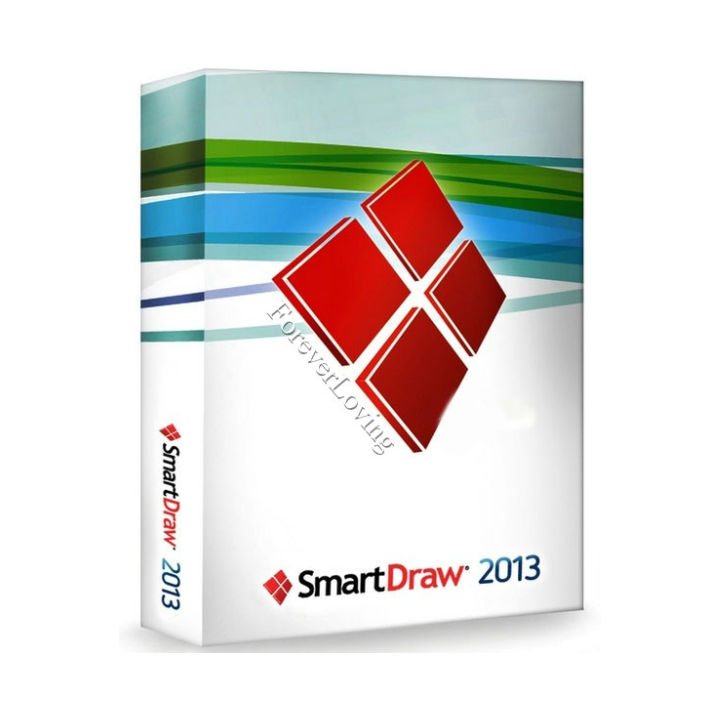
License Key for SmartDraw – Activate Full Diagramming Power Instantly
Unlock Professional Diagrams and Visuals with a SmartDraw License Key
SmartDraw is one of the most versatile and user-friendly diagramming tools on the market, designed for professionals, teams, and organizations that need to create flowcharts, organizational charts, network diagrams, floor plans, mind maps, and much more. Whether you’re in engineering, architecture, project management, or business operations, SmartDraw offers thousands of templates and symbols to help you visualize complex information quickly and accurately.
To access the full capabilities of this software, users require a license key for SmartDraw, which activates the premium version of the platform. With a valid key, you can unlock all of SmartDraw’s features, including advanced collaboration tools, Microsoft Office and Google Workspace integration, Visio import/export, and enterprise-grade diagramming capabilities.
At GraphicLicense, we provide genuine, fully functional license keys for SmartDraw with secure delivery, activation guidance, and dedicated support. Whether you’re an individual looking for a single license or a business requiring multiple seats, we help you get started without delay.
What Is SmartDraw?
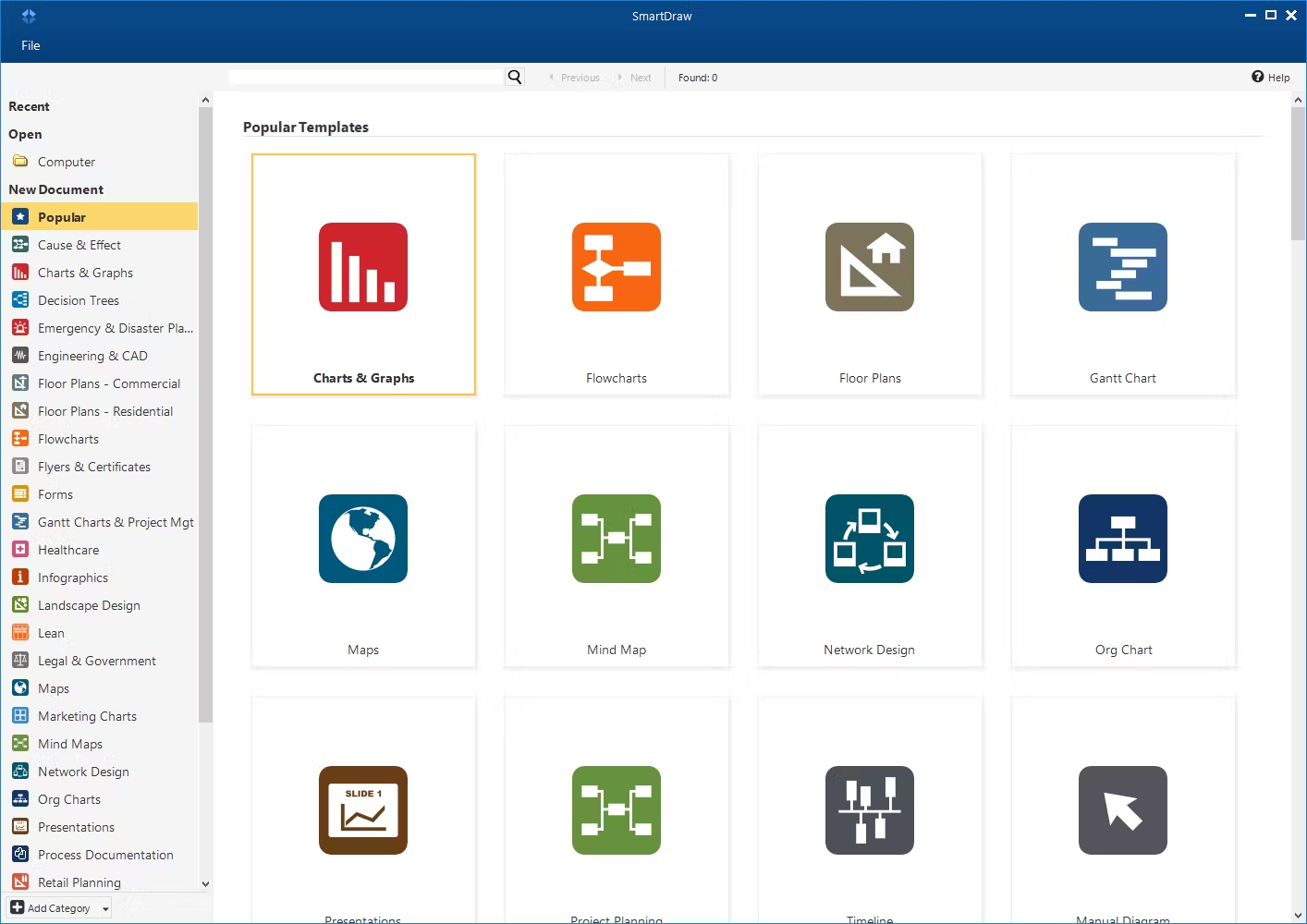
SmartDraw is a powerful diagramming and visualization application available on Windows and as a web-based platform. It enables users to design and automate visual content such as:
-
Flowcharts
-
Organizational charts
-
Network diagrams
-
Mind maps
-
Project timelines
-
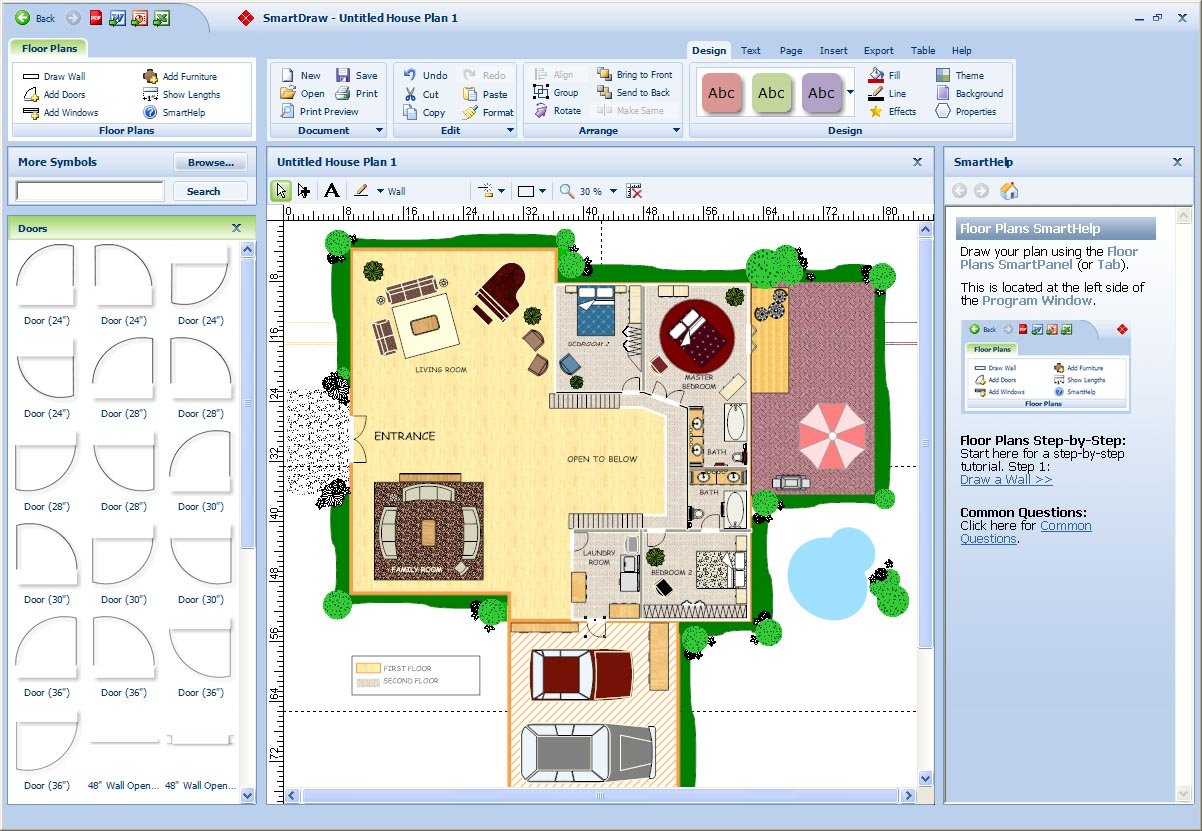
Floor plans
-
Engineering schematics
-
Software architecture diagrams
-
ER diagrams
-
Decision trees
-
Cause and effect diagrams
-
Gantt charts
-
Wireframes and more
The software offers an intuitive drag-and-drop interface and a massive built-in symbol library, making it easy to use even for non-technical users. When you activate with a SmartDraw license key, you gain full access to all templates, collaboration tools, integration options, and export formats.
Why Do You Need a SmartDraw License Key?
Without a license key, SmartDraw operates in limited or trial mode, restricting access to advanced templates, team features, and export options. A valid license key for SmartDraw unlocks:
-
Full access to over 4,500 templates and 34,000 symbols
-
Ability to save, print, and export diagrams without watermarks
-
Microsoft Office integration (Word, Excel, PowerPoint)
-
Google Workspace integration (Docs, Sheets, Drive)
-
Ability to import and edit Microsoft Visio files
-
SharePoint and OneDrive connectivity
-
Intelligent formatting and diagram automation
-
Collaboration with team members in real time
-
Diagram version control and permission settings
-
Unlimited diagrams and cloud storage
The license key ensures you’re not restricted by trial limitations and can use SmartDraw as a full-featured productivity and collaboration platform.
Types of SmartDraw Licenses
SmartDraw offers several licensing models, each unlocked via a corresponding license key. Depending on your organization size and workflow, you can choose the most appropriate edition.
1. Individual License
-
For solo professionals or small business users
-
Tied to one user account
-
Web and Windows desktop versions included
-
Full feature access with cloud storage
2. Team License
-
Shared across multiple users in a department or project team
-
Centralized user management
-
Includes admin dashboard, role assignments, and user provisioning
-
Supports collaboration, shared folders, and team libraries
3. Enterprise License
-
Designed for large organizations
-
Active Directory and SSO integration
-
Document retention policies and audit trails
-
Volume deployment options with domain control
-
Custom licensing terms and training support
All license types are delivered via a secure SmartDraw license key or online account invitation, depending on the deployment method.
How to Activate SmartDraw with a License Key
Activating SmartDraw is a quick and straightforward process:
-
Purchase a genuine license key from a trusted source such as GraphicLicense
-
Download the SmartDraw desktop application or open the web version
-
On launch, enter your license key or sign in using your assigned email address
-
Once verified, all premium features will be available
-
Begin using SmartDraw for unlimited diagrams, exports, and team collaboration
Activation typically takes less than five minutes and only needs to be done once per device or user account.
Benefits of Using a Licensed Version of SmartDraw
1. Professional-Grade Output
Create clean, scalable, and printable diagrams that can be exported to PDF, PNG, Word, Excel, PowerPoint, or Visio.
2. Cloud and Desktop Access
Work from anywhere—your diagrams are stored in the cloud and accessible from the desktop or web app.
3. Collaboration Tools
Real-time diagram sharing, commenting, and version control for teams working remotely or across departments.
4. Data Integration
Connect your diagrams to external data sources like CSV files, SQL databases, or internal APIs for live updates.
5. Security and Compliance
SmartDraw offers enterprise-grade security, including SSO, 2FA, encryption, and ISO compliance for sensitive environments.
6. Automatic Diagramming
SmartDraw’s intelligent formatting engine automatically aligns, connects, and arranges shapes—eliminating hours of manual work.
Who Uses SmartDraw?
SmartDraw is used across a wide range of industries and departments:
-
IT professionals mapping networks and software architecture
-
Project managers visualizing workflows, dependencies, and timelines
-
Engineers and architects designing floor plans and schematics
-
Business analysts building decision trees, process flows, and diagrams
-
HR departments creating org charts and training guides
-
Educators building visuals for teaching and instruction
-
Healthcare providers mapping clinical workflows and facilities
Whether you’re in operations, design, software, or training—having a valid SmartDraw license key unlocks advanced productivity and professional output.
Common Use Cases for SmartDraw
-
Designing business process models using BPMN notation
-
Creating software flowcharts for development documentation
-
Building emergency evacuation maps and facility layouts
-
Drafting organizational charts with dynamic team data
-
Visualizing customer journey maps for marketing and UX
-
Constructing decision trees for financial modeling
-
Developing Gantt charts and project timelines
-
Making strategic planning diagrams for boardroom use
SmartDraw is not just a drawing tool—it’s a business-critical application for visual communication.
System Requirements
Windows Desktop:
-
OS: Windows 10 or 11
-
Processor: Intel Core i3 or higher
-
RAM: 4 GB minimum
-
Storage: 300 MB for installation
-
Internet connection for license activation and cloud access
Web Version:
-
Compatible with Chrome, Firefox, Safari, and Edge
-
Requires modern browser with JavaScript and cookies enabled
-
Cloud storage access requires login via SmartDraw.com
There is no native macOS desktop version, but Mac users can access SmartDraw via the browser-based platform.
Why Buy Your License Key for SmartDraw from GraphicLicense?
At GraphicLicense, we ensure a smooth and secure licensing experience:
-
Official SmartDraw license keys with instant digital delivery
-
Volume pricing for team or enterprise deployments
-
Expert consultation to choose the right plan for your needs
-
Personalized support for activation, training, and setup
-
Secure checkout with business-compliant invoicing
-
Global availability and multilingual customer service
We help individuals and organizations get up and running with SmartDraw quickly, with no risk of fake or invalid software.
Conclusion
A license key for SmartDraw is your gateway to a full-featured, professional diagramming environment that works for individuals and teams alike. Whether you’re managing projects, modeling business processes, or visualizing complex systems, SmartDraw empowers you to work visually—with speed, accuracy, and collaboration.
Get your SmartDraw license key today from GraphicLicense and start producing clear, impactful diagrams that drive results.
Get More Cheap Software Licences



There are no reviews yet.